Reusable QR code: what people actually mean
When someone says “reusable QR code”, they usually mean:
- a QR code you can print once
- and then reuse for future campaigns by changing the destination
That’s a dynamic QR code.
Static vs dynamic: can QR codes be reused?
- Static QR codes: not reusable for different destinations. The encoded URL is fixed.
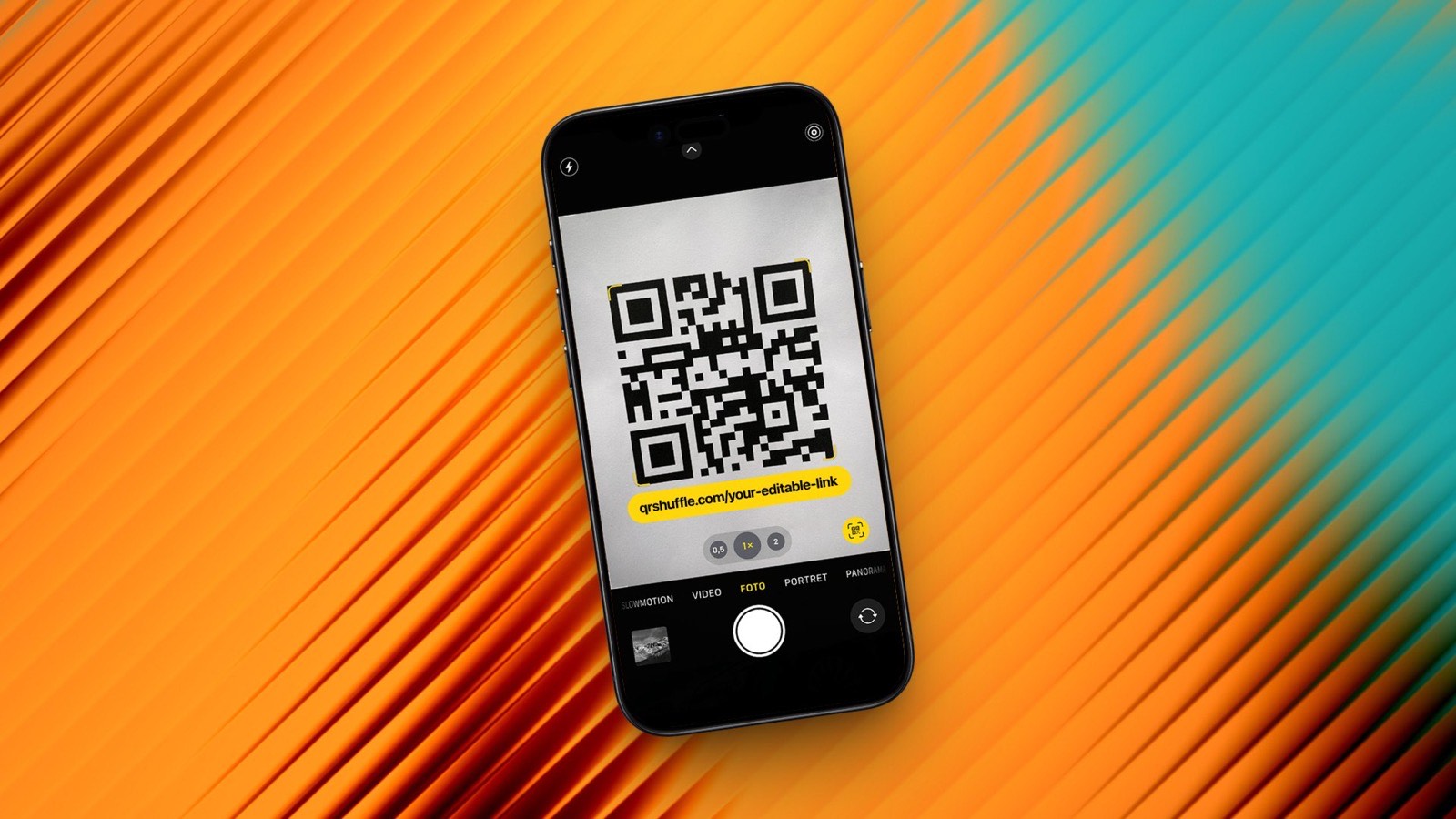
- Dynamic QR codes: reusable because you can update the redirect target.
Why reusable QR codes matter
Reusable QR codes help you:
- avoid reprints when URLs change
- keep packaging/menus/signage evergreen
- run multiple campaigns from the same physical asset
- track scans over time (analytics)
When you should reuse a QR code
Reuse is great when:
- the QR lives on something long-lived (packaging, stickers, business cards)
- the call-to-action stays similar (e.g., “Scan for menu”, “Scan for instructions”)
- you want continuity in analytics
When you should NOT reuse a QR code
Don’t reuse when:
- you need clean attribution between campaigns
- you’re handing the QR to a different team/client and ownership changes
- the new destination has a different user promise
A common operational failure is “QR sprawl”: nobody remembers what a code was for.
Safe reuse strategy (operations)
If you reuse codes, do this:
- keep a naming convention (campaign + location + date)
- keep a default “fallback” destination
- avoid redirect chains
- track UTMs per campaign
FAQ
Do reusable QR codes expire?
They can, depending on the platform hosting the redirect. If you own the redirect, you control the lifetime.
Can I reuse a QR code for different content types?
Yes (URL → PDF → menu), as long as the destination change doesn’t confuse users.
Watch
Related reads
- Dynamic QR code: what it is + benefits
- Editable QR code: change destination without reprinting
- QR on packaging: what works in supermarkets
QRShuffle: generate QR codes with editable links (change destinations later). https://qrshuffle.com/signup
Quick checklist
Test on iOS + Android. Use high contrast (dark code on light background). Keep a clear quiet zone.
Avoid long redirect chains. Add UTMs if you care about attribution.
Try QRShuffle
If you're printing QR codes for posters, packaging, menus, or events, use editable links so you don't have to reprint.
- Create your first QR: https://qrshuffle.com/signup
- See pricing: https://qrshuffle.com/pricing