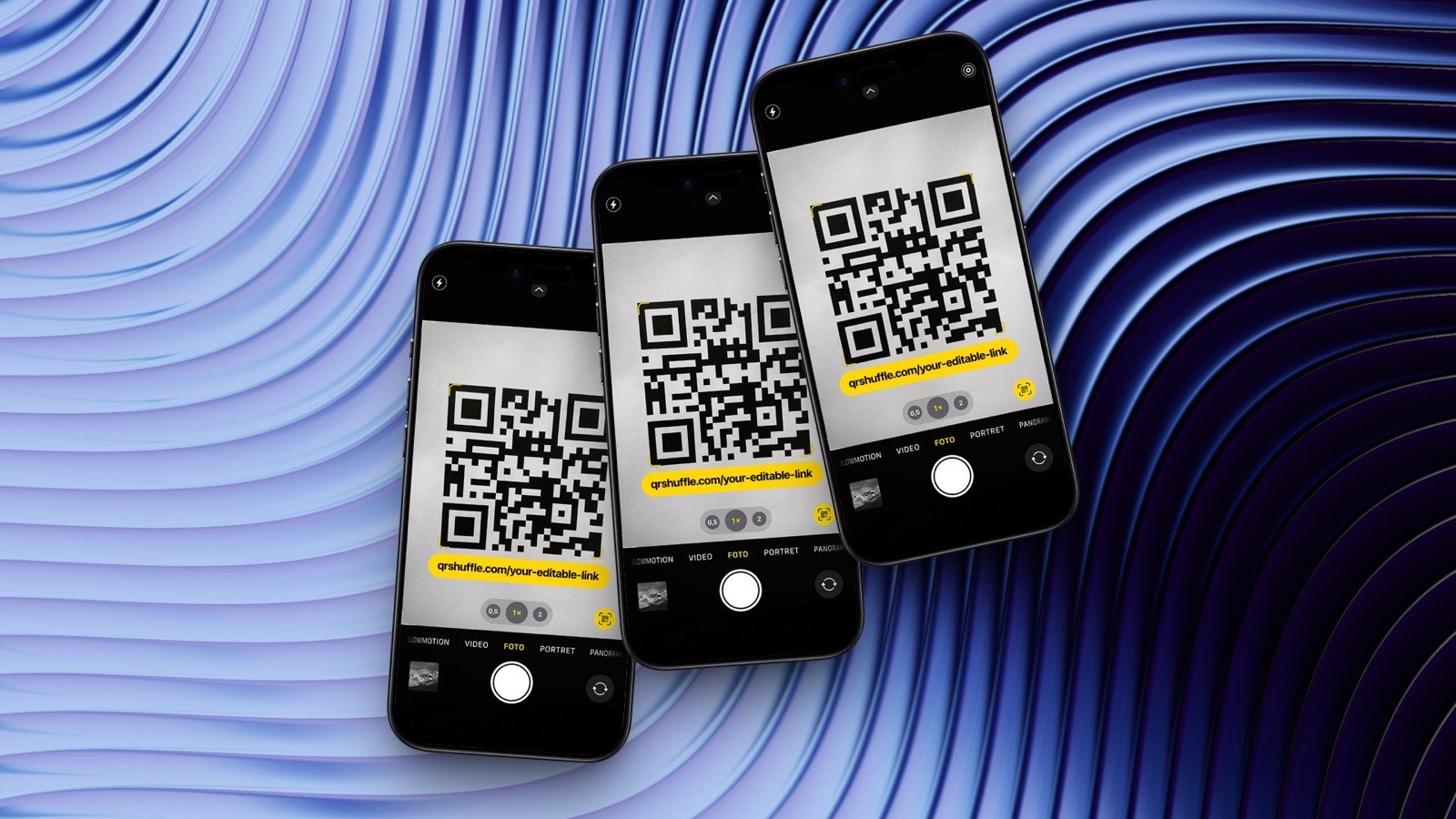
QR code redirects: best practices (the checklist that saves campaigns)
If you’re using a dynamic / editable QR code, you’re using a redirect. That’s the feature: the printed QR stays the same while you can update the destination later.
The downside: redirects are also where QR campaigns quietly break.
This guide is the practical “don’t mess this up” list for QR code redirects—so scans resolve quickly, analytics stay accurate, and you don’t ship a dead link onto packaging.
What “QR redirect” means (in plain English)
Watch
Most marketing QR codes don’t encode your final landing page directly. They encode a short URL you control, which then redirects to your real destination.
Typical flow:
QR → short link (your domain) → landing page
That short-link hop is where you can:
- change the destination without reprinting
- record scans (count, time, device, etc.)
- add or adjust UTMs
Related: Dynamic QR code: what it is and how it works and Editable QR code: change the destination without reprinting.
The #1 rule: keep it to one redirect hop
Every extra hop adds:
- latency (slower time-to-content)
- more “weird” failures (in-app browsers, captive portals, corporate filters)
- debugging pain (which hop is broken?)
Aim for:
- Ideal: 1 redirect (short link → destination)
- Acceptable: 2 redirects (only if you truly need it)
- Avoid: QR → shortener → tracker → geo-router → destination
If you need to rotate destinations, do it in one place (your redirect service), not via a chain.
301 vs 302 for QR codes (which should you use?)
A QR redirect isn’t primarily an SEO tool—it’s a reliability + measurement tool. Still, the redirect type matters.
Use 302 (temporary) when:
- you plan to change the destination often (campaigns, A/B tests)
- you want to avoid aggressive client caching behavior
Use 301 (permanent) when:
- the destination is truly moved long-term
- you’re retiring an old landing page and “this is the new home forever”
Many SEO resources summarize it as: 301 = permanent, 302 = temporary.
Don’t let browsers “remember” the wrong thing
Some clients cache redirects aggressively (especially when you keep scanning the same code during testing).
When you change a destination:
- test with a different device
- or clear the browser cache
- or scan in a different app
Otherwise you can think the redirect “didn’t update” when it did.
Always redirect to HTTPS (and avoid mixed-content landmines)
Basic but common:
- your short link should be
https://… - your destination should be
https://…
QR traffic often comes from in-app browsers. They’re more likely to warn or block if something looks unsafe.
Preserve UTMs and avoid parameter mangling
If you use UTMs (utm_source, utm_campaign, etc.), confirm your redirect does not:
- drop query parameters
- double-encode them
- rewrite them unpredictably
If you need per-poster attribution, keep a unique parameter (or UTM) per print asset.
Related: A/B testing QR landing pages: the simple method.
Avoid “link shorteners” that trigger distrust
Some generic shorteners are more likely to:
- be flagged by enterprise filters
- look suspicious to users (low trust)
Best practice: use a short link on your own domain (or a branded subdomain) so people see a familiar name.
Add a boring fallback (your future self will thank you)
Campaigns end. Packaging lives on.
Create a durable fallback destination you can redirect to later:
- a product support page
- a simple “links” hub
- your homepage with a clear next step
This prevents the worst-case scenario: printed code → 404.
A practical QR redirect QA checklist (before you print)
- Scan test on iOS + Android
- Confirm the redirect resolves in under ~1 second on 4G
- Confirm only one hop (no chain)
- Confirm destination loads fast and matches the poster copy
- Confirm UTMs are present and correct
- Confirm you can still edit the destination after changing it once
Also check the non-redirect failure modes:
FAQ
Can a QR code redirect to a new URL later?
Yes—if it’s a dynamic (editable) QR code. Static QR codes can’t change destination without generating a new code.
Why does my QR code work for me but not for customers?
Common reasons:
- you tested on Wi‑Fi, they’re on slow cellular
- your redirect chain is too long
- the destination is blocked in some in-app browsers
- print issues (contrast, size, missing quiet zone)
Start here: Why QR codes fail in the wild.
Does using a 301 or 302 affect scan tracking?
Not directly. Tracking typically happens at the redirect endpoint. But redirect type can affect caching behavior, which can confuse testing.
Sources
- Moz: Redirects overview, types, and 301 vs 302 (updated 2025): https://moz.com/learn/seo/redirection
QRShuffle: generate QR codes with editable links (change destinations later). https://qrshuffle.com/signup
Quick checklist
Test on iOS + Android. Use high contrast (dark code on light background). Keep a clear quiet zone.
Avoid long redirect chains. Add UTMs if you care about attribution.
Related reads
Try QRShuffle
If you're printing QR codes for posters, packaging, menus, or events, use editable links so you don't have to reprint.
- Create your first QR: https://qrshuffle.com/signup
- See pricing: https://qrshuffle.com/pricing