The simple rule of thumb
A practical starting point for printed QR codes is:
Scan distance : QR code size is about 10:1
That means if people scan from 100 cm away, print the QR code around 10 cm wide.
It is not perfect. Phone cameras differ, lighting is unpredictable, and bad layouts break scans. But it is a reliable baseline.
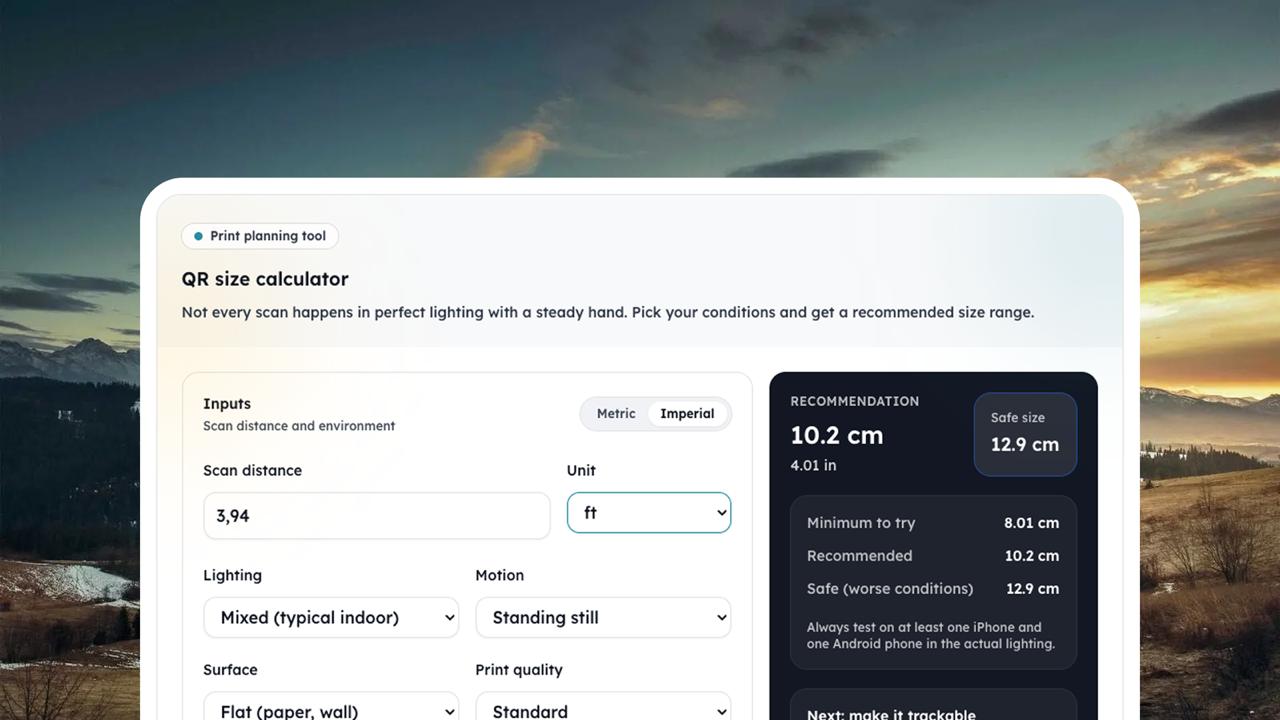
If you want a quick estimate, use the free calculator:
- QR code size calculator: /tools/qr-size-calculator
Examples
Use these as starting points, then test on a few phones.
- 50 cm scan distance → about 5 cm QR code
- 1 m scan distance → about 10 cm QR code
- 2 m scan distance → about 20 cm QR code
- 6 ft scan distance → about 7.2 in QR code
If you need higher reliability, go larger.
Print tips that improve scan rate
1) Keep a quiet zone
A quiet zone is the empty margin around the QR code. Without it, scanners struggle to detect the code.
2) Prioritize contrast
Dark code on a light background is the safest choice. Avoid low contrast designs.
- Read: /blog/qr-design-contrast
3) Test the real setup
Test with the actual printed material, in the actual lighting. Verify:
- iOS and Android
- from the expected distance
- with a few different camera apps (native camera, Google Lens)
What about error correction and logo QR codes?
Higher error correction and a logo can help your design survive minor damage, but it can also reduce effective scanning performance if the code is too dense or the logo is too big.
If you want to add a logo, increase the printed size and test.
Try QRShuffle
If you are printing QR codes for menus, posters, packaging, or events, use a dynamic QR code so you can change the destination later without reprinting.
- Create your first QR: https://qrshuffle.com/signup
- Learn how to track campaigns with UTMs: /blog/utm-tags-for-qr-codes